

Free vs Paid Digital Planners: What's the Difference?

Free digital planners are everywhere. So is the advice "just use a free one."
Both free and paid planners exist for good reasons, and the honest answer to "which should I use" depends on what you need. Here is what you actually get when you pay — and when free is genuinely enough.
What free planners usually lack
Free planners are rarely bad. They are usually incomplete. The most common gaps:
Navigation. A free planner is often a flat PDF — 100 pages with no tappable tabs. Scrolling to find a page gets old fast. (What hyperlinking actually means.)
Page variety. A free planner might have a nice weekly spread and nothing else — no monthly overview, no trackers, no notes pages. You notice the missing pieces in week two.
Both formats. Most free planners are PDF-only. If you want to type instead of write, you are out of luck. (PDF vs HTML is the real divide here.)
Updates and support. Free files get abandoned. Broken links, missing pages, and no one to email. Paid planners usually come with fixes when something is wrong.
Print sizes. Free planners often ship one size. If your paper is the other size, you are printing cropped pages forever.
None of this makes free planners useless. It makes them a starting point, not a system.
What paid planners actually add
You are not paying for "better design" — you are paying for completeness and reliability:
- Full navigation. Index page, tappable tabs, back buttons on every spread.
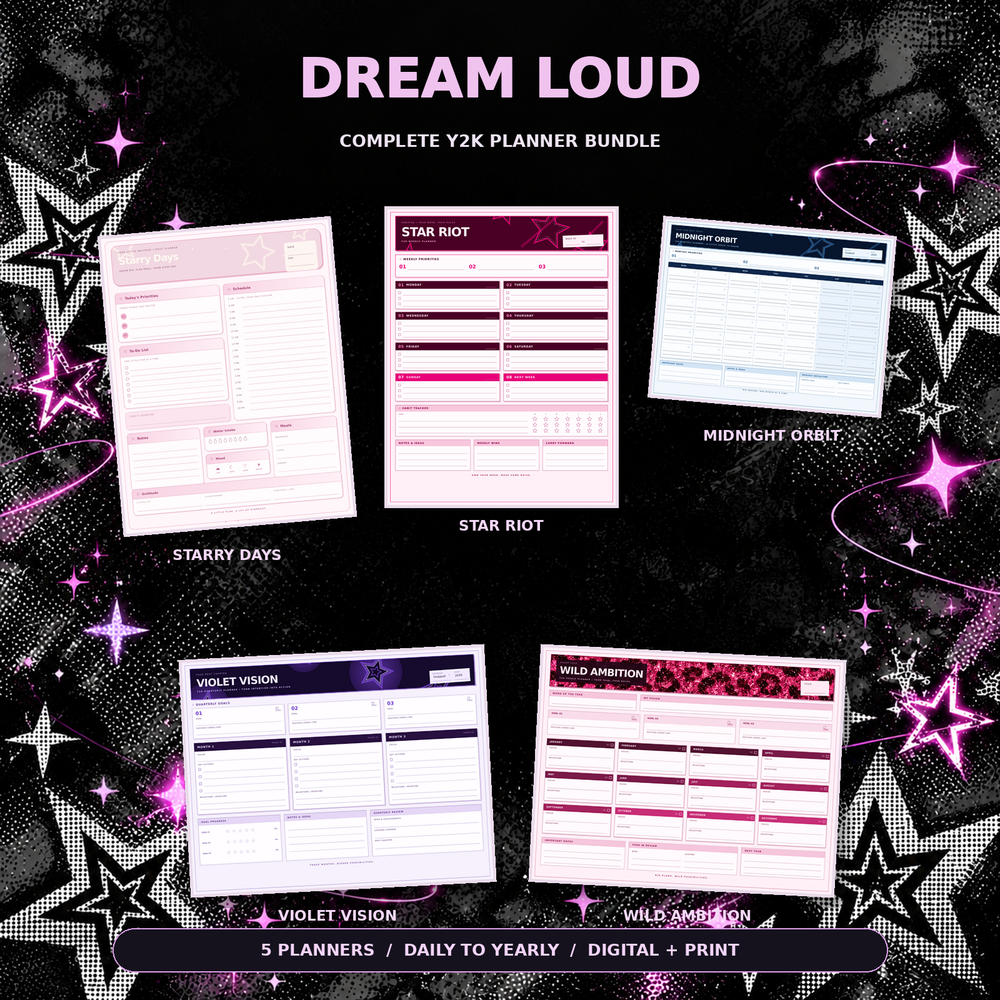
- A complete page system. Daily, weekly, monthly, quarterly, yearly, plus trackers that cover a whole year of planning.
- Both formats. Interactive HTML for typing and print-ready PDFs (A4 + US Letter), so the planner works on every device you own.
- Reuse, forever. Download once, use it every year. The per-year cost approaches zero.
- A person to email. Broken file, missing page, printing problem — someone answers.
The math is simple: a $25 planner used for three years costs less than $9 a year. One paper planner costs more than that.
When free is genuinely enough
Be honest about your situation:
- You have never used a digital planner and are not sure you will like it. Start free, learn the basics, upgrade when you know what you actually need.
- You only need one page type. If a weekly spread is genuinely all you use, a free one is fine.
- You are testing a layout idea before committing to a full system.
Free is a good way to answer "is this for me?" — it is a poor way to run a year.
How to try before you buy
The low-risk path, in order:
- Set up a free planner in GoodNotes (guide here) to learn how digital planning feels.
- Buy one cheap single-purpose planner — a daily or weekly page type, $6–$7 — to test navigation and your own habits.
- Upgrade to a full bundle once you know which pages you actually use. Not before.
That last step matters. People who buy the bundle first often discover they only needed three page types — and people who stay free forever never discover how much smoother a complete system is.
The uncomfortable truth
The format matters less than the habit. A free planner used daily beats a $50 bundle opened twice. But a complete, well-navigated planner removes the small frictions — scrolling, missing pages, wrong paper size — that cause people to quit.
Pay for completeness when you are ready to commit. Stay free while you are still deciding. Both are correct answers at different stages.
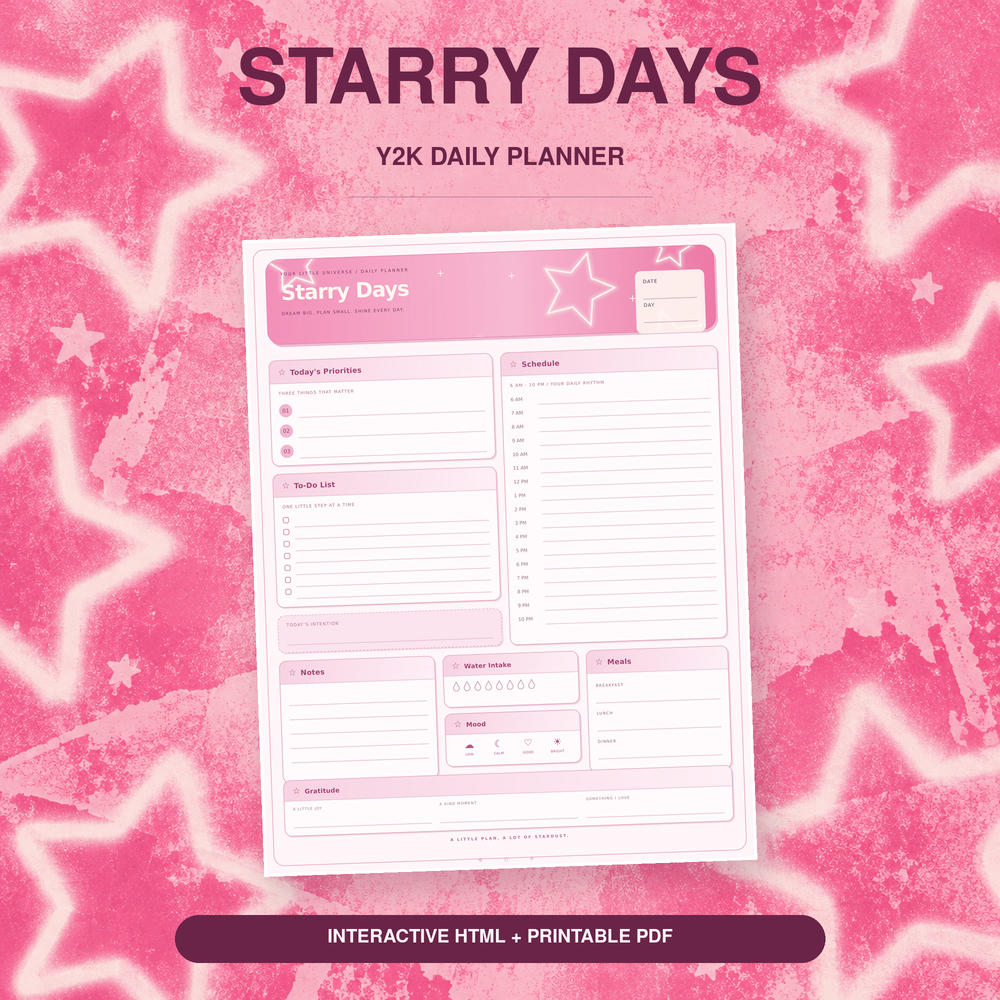
Ready to test the water? The Starry Days Daily Planner is $5.99 — a full daily system with hyperlinked navigation in both PDF and HTML. When you know what you use, the Dream Loud Complete Bundle ($24.99) covers every page type for the year. Not sure what to put in it? 15 digital planner ideas.