

PDF vs HTML Digital Planners: Which Should You Buy?

You found a planner you love, hit buy, and then the download folder asks a question you did not expect: PDF or HTML?
Both are "digital planners." Both look the same in the product photos. But they work differently, they need different tools, and picking the wrong one is the fastest way to end up with a planner you never open.
Here is the plain difference — and how to choose without guessing.
What a PDF digital planner actually is
A PDF planner is a document file. You download it, open it in a note-taking app like GoodNotes or Noteshelf (or any PDF reader), and it behaves like an endless stack of paper.
What that means in practice:
- You write with a stylus. The Apple Pencil or any capacitive stylus turns the pages into a real writing surface.
- You can print it. The same file goes through your home printer on A4 or US Letter paper.
- Navigation is built in. Tabs and buttons are hyperlinked, so tapping "June" jumps to June.
- It is static. You cannot retype a typo or drag a sticker in from another app unless the app supports it.
PDF is the format most people picture when they hear "digital planner," and it is still the most flexible one for handwriting.
What an HTML digital planner actually is
An HTML planner is a small website. You download a folder, double-click the file, and it opens in your browser — Chrome, Safari, Edge, whatever you already use.
What that means in practice:
- You type with your keyboard. Click a line and start typing. No stylus required.
- No app to install. If your device has a browser, it works — iPad, laptop, phone, Chromebook.
- Links work the same way. Tabs jump between pages, and your text saves in the browser as you go.
- It is not a PDF. You cannot import it into GoodNotes or send it to a printer. It lives in the browser.
HTML planners are newer, and they exist for one reason: typing is faster than writing for a lot of people, and not everyone owns a stylus.
PDF vs HTML: side-by-side
| PDF planner | HTML planner | |
|---|---|---|
| You interact with it using | Stylus (or finger) | Keyboard |
| Where it runs | GoodNotes, Noteshelf, any PDF app | Any web browser |
| Devices | iPad / Android tablet mainly | Anything with a browser |
| Can you print it? | Yes — A4 or US Letter | No |
| Can you add stickers? | Yes, inside the app | Limited — some planners support image stickers |
| Navigation | Tapped hyperlinks | Clicked links |
| Best for | Handwriters, printers, decorators | Typers, minimalists, multi-device users |
Neither format is "better." They solve different problems.
Which one fits your setup?
Answer these three questions and the choice makes itself.
1. Do you write by hand or type?
If you journal, doodle, or letter your headings, you will be frustrated in an HTML planner — there is no pen. If you type faster than you write and hate stylus lag, a PDF app will feel like homework.
2. Do you want to print any of it?
Only PDF prints. If part of your planning happens on paper — a weekly spread on the desk, a monthly page on the fridge — you need the PDF. (How to print a digital planner at home covers sizes and settings.)
3. What device will you actually use?
A laptop with no tablet? HTML. An iPad with a Pencil? PDF. Both, depending on the day? You want a planner that ships in both formats — which is exactly what ours do.
The "both formats" option
Most stores sell one format per product. That forces you to guess before you have even tried digital planning.
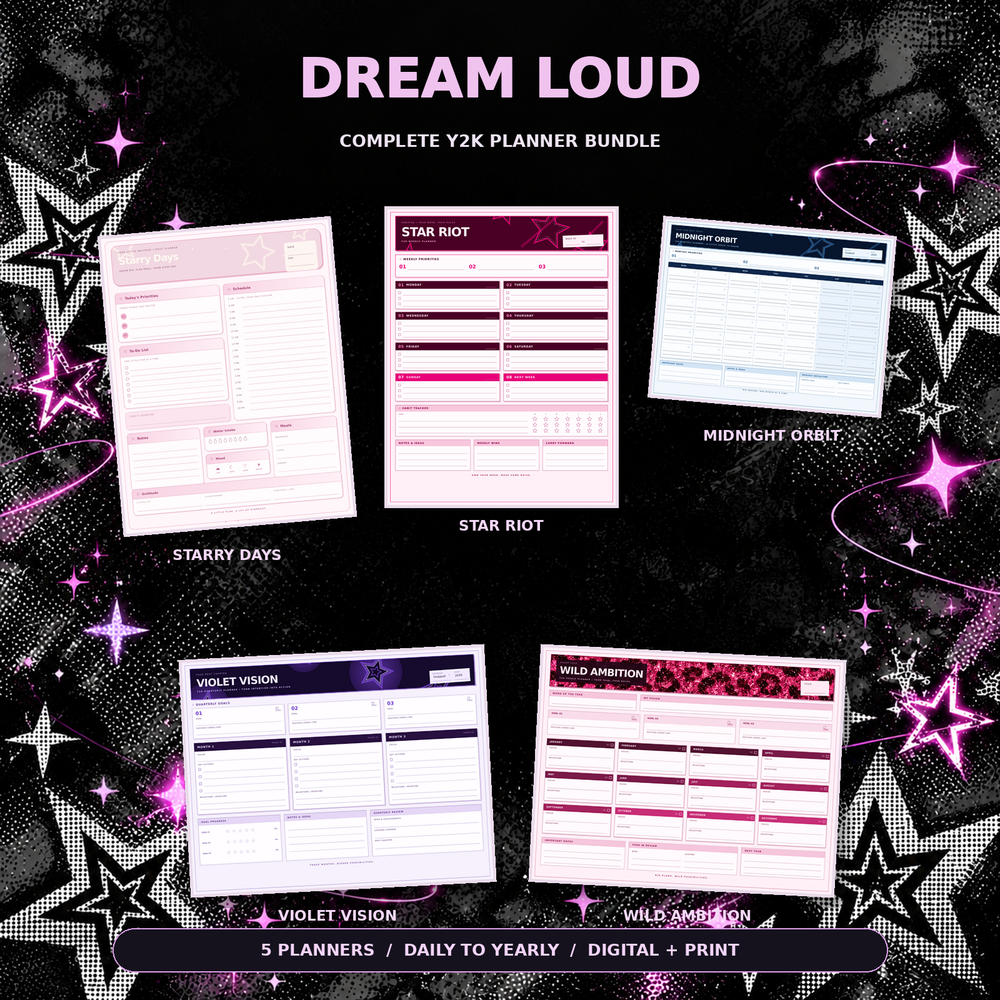
Every planner in our shop comes as both: the interactive HTML version for typing in a browser, plus the print-ready PDF in A4 and US Letter. One download, both ways of working — so if you start typing on your laptop and switch to handwriting on your iPad next semester, your planner moves with you.
If you are still deciding whether digital planning suits you at all, digital vs paper planners walks through the honest differences first.
The short answer
- Type, hate apps, work on a laptop → HTML planner.
- Write by hand, own an iPad and stylus, or print → PDF planner.
- Not sure yet → get a planner that includes both and decide as you go.
Whichever you pick, spend five minutes with it before you judge it — most "digital planning isn't for me" stories are really "I picked the wrong format" stories.
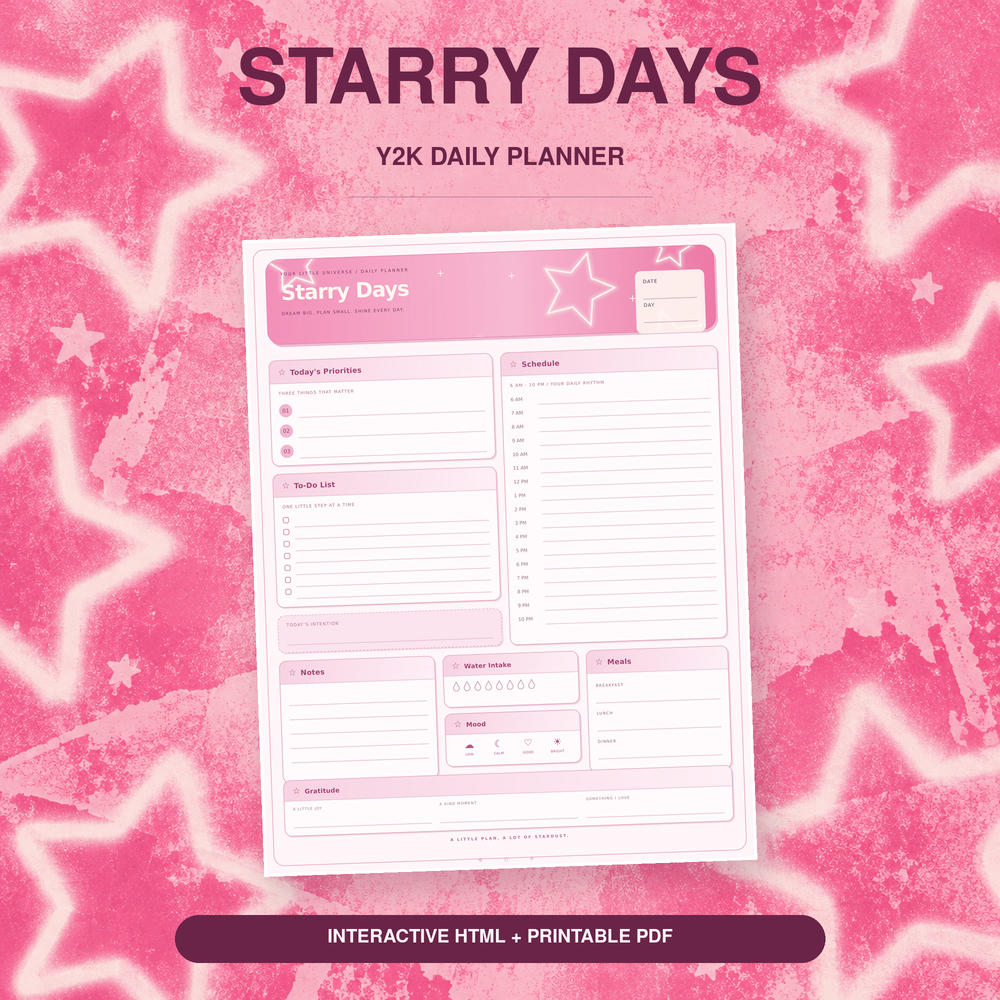
Ready to try both formats? The Dream Loud Complete Y2K Planner Bundle includes every planner page in interactive HTML and printable PDF (A4 + US Letter) — $24.99, instant download. Or start with a single Starry Days Daily Planner for $5.99.